Questions
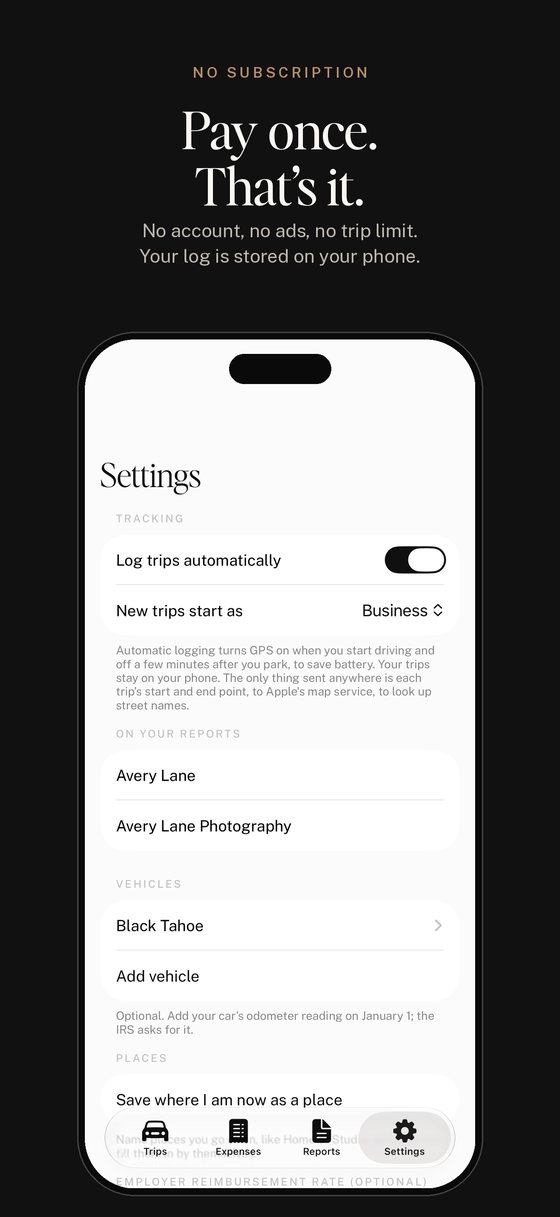
Is there a subscription? No. You pay once when you download it, and updates we release for the app are included at no extra charge.
Who is it for? Anyone who tracks their driving: small business owners, employees who get paid back for miles, sales and service people, delivery and rideshare drivers, and medical or charity trips too.
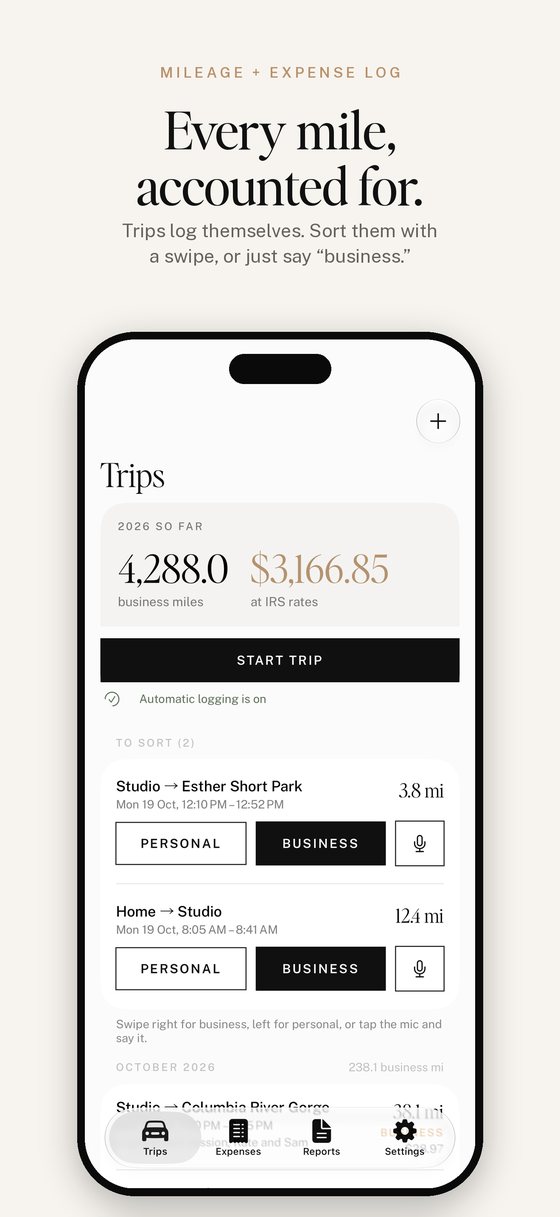
Will automatic logging drain my battery? EZ Mile Log uses GPS to detect and record drives, then turns it off when tracking is no longer needed. Automatic trips normally finish a few minutes after you park. Actual battery use depends on your phone, settings and driving.
A trip was missed or split. Check that location is set to "Always" (iPhone) or "Allow all the time" (Android), that Precise Location is on, that Motion & Fitness or Physical activity is allowed, and that battery saver isn't on. You can always add or fix a trip by hand.
I got a new phone. On your old phone, open Settings in the app and tap "Save a backup file". On your new phone, tap "Restore from a backup file". Backups move between phones of the same kind (iPhone to iPhone, Android to Android).
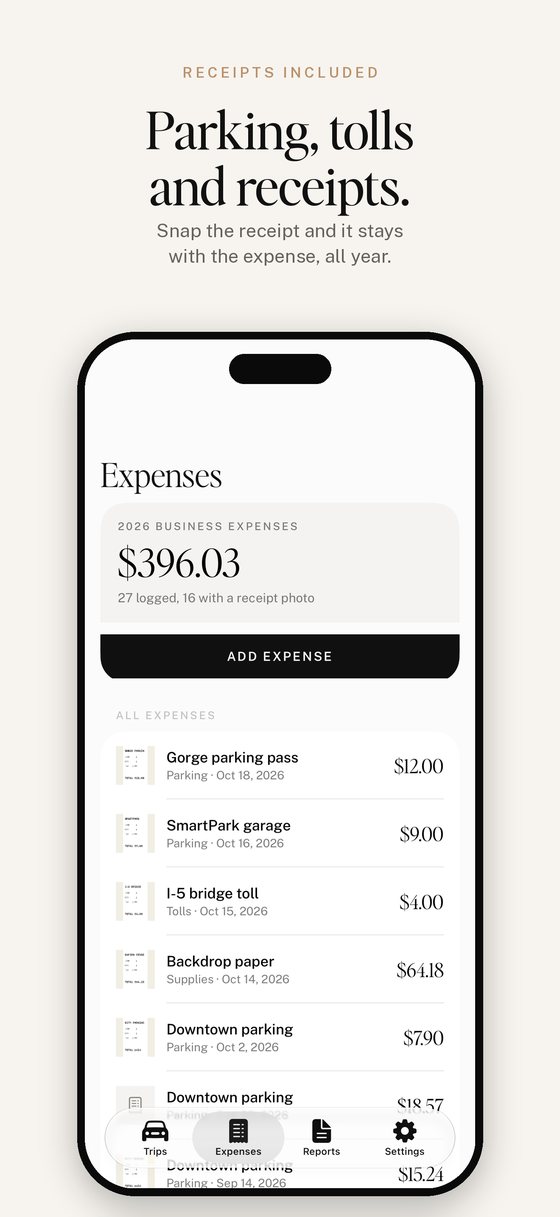
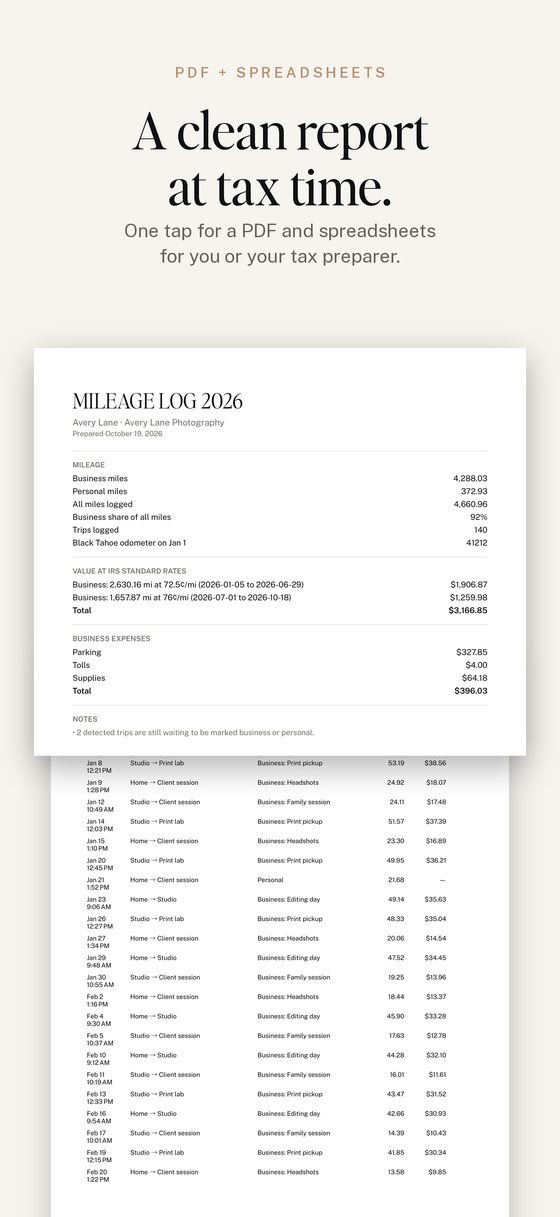
Where is my log stored? Your trips, expenses and receipt photos are stored on your phone. There's no account and we don't run a server that receives your log. To show street names, trip start and end points are sent to your phone's address service (Apple or Google). Backups and exports go wherever you choose to save them, such as Google Drive or iCloud.
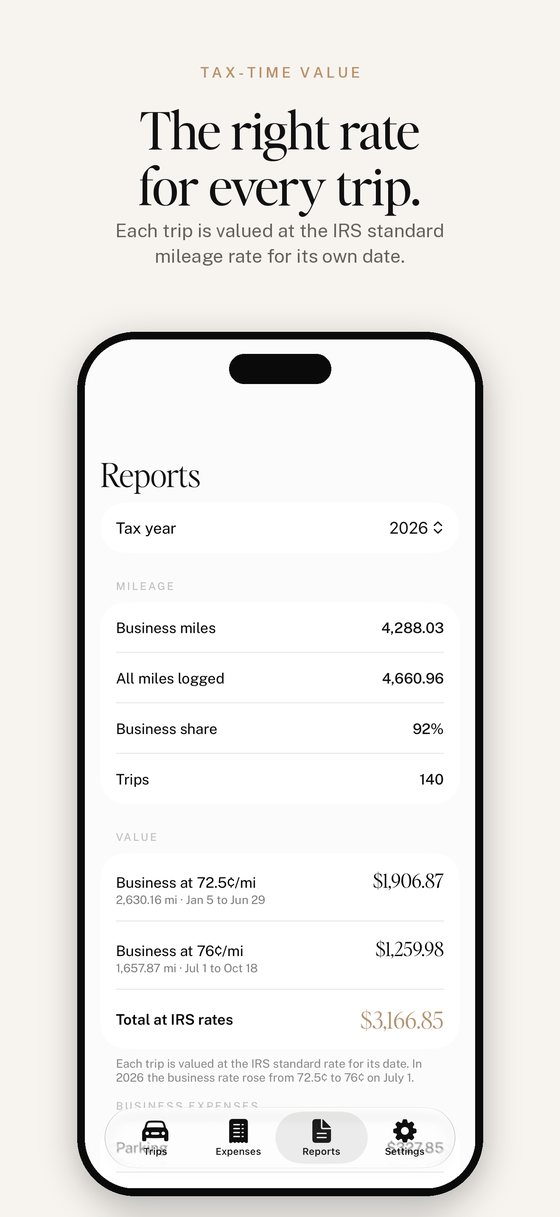
Is this tax advice? No. EZ Mile Log keeps the record. Your tax preparer decides what you can claim.
Need help? Email [email protected] and we'll get back to you.