Help and questions
Need help? Email [email protected]. A person reads every message. Tell us your phone (iPhone or Android), which photo you were making, and what happened.
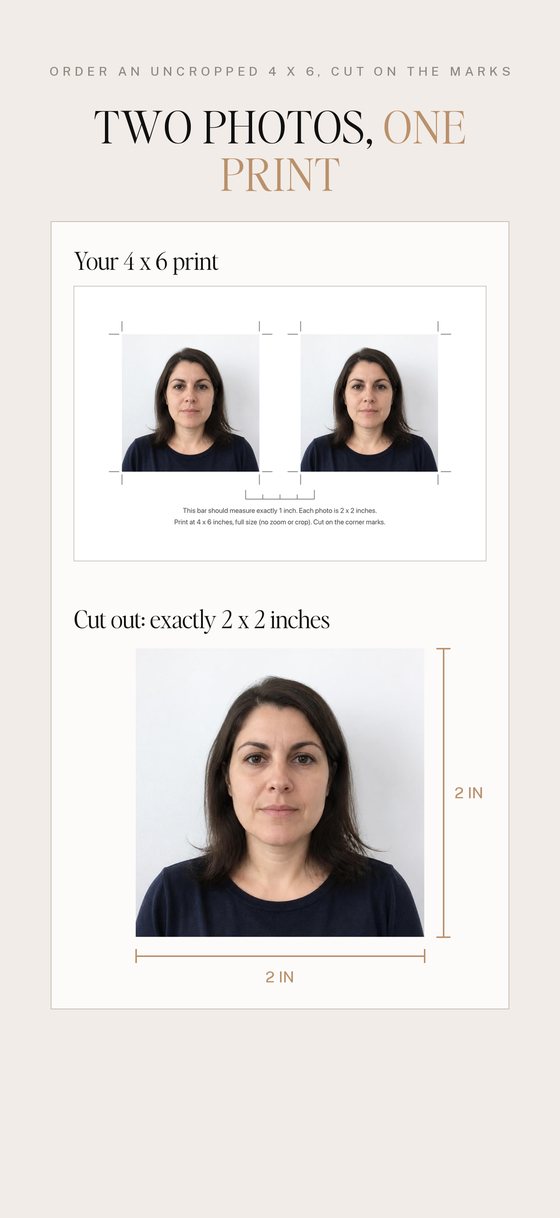
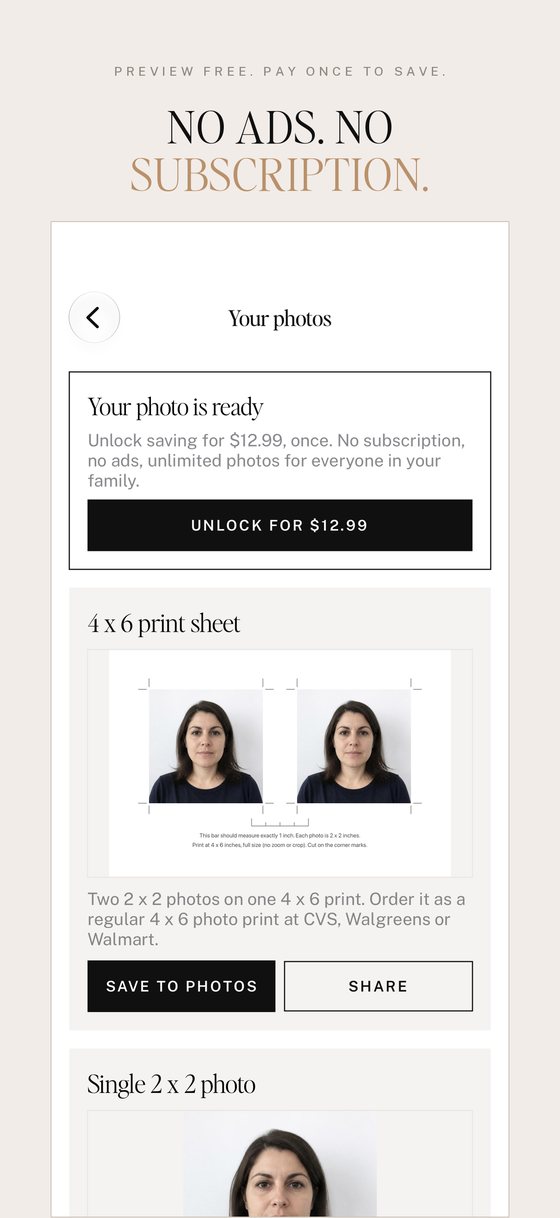
Printing the 4 x 6 sheet. In the app, tap Save to Photos on the 4 x 6 print sheet. Order a 4 x 6 print from the CVS, Walgreens or Walmart Photo app or website and pick the sheet from your photos. If there's a crop or "fill" option, choose the full image with no cropping. Measure the 1-inch bar printed on the sheet: if it's exactly 1 inch, your photos are exactly 2 x 2. Cut along the corner marks.
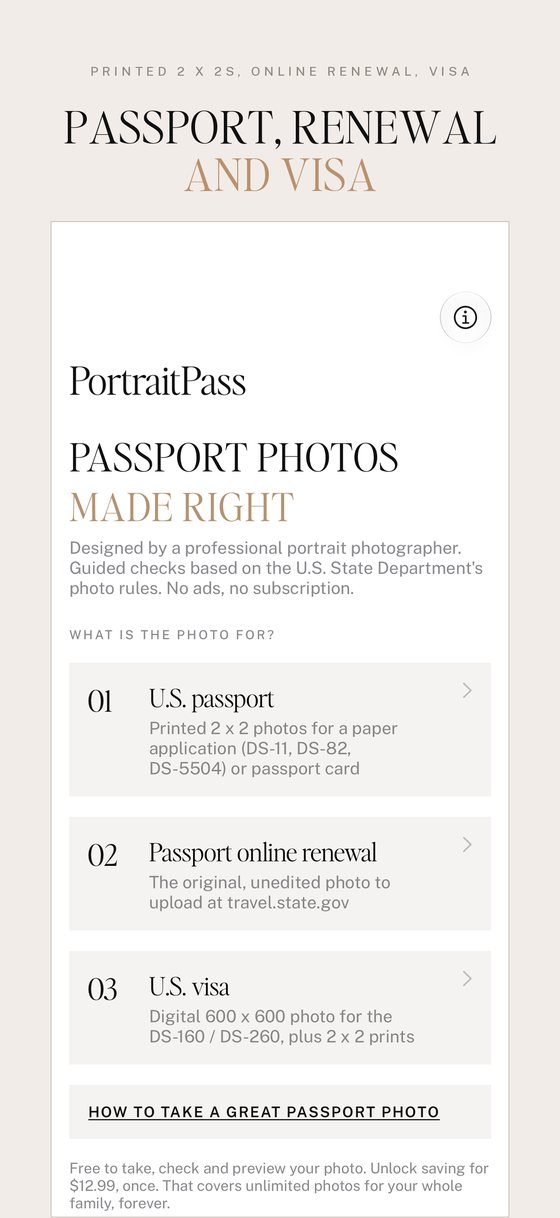
Online passport renewal. For online renewal the State Department wants your original, unedited photo; you crop it in their upload tool. Choose "Passport online renewal" in the app, save the original, then upload it at travel.state.gov when asked.
Restoring your purchase. New phone or reinstalled the app? Tap the info button on the home screen, then Restore purchase. Use the same Apple Account or Google account you bought it with.
Refunds. Purchases are handled by Apple and Google, so refunds are too. iPhone: request one at reportaproblem.apple.com. Android: request one in Google Play under Payments & subscriptions, Budget & history.
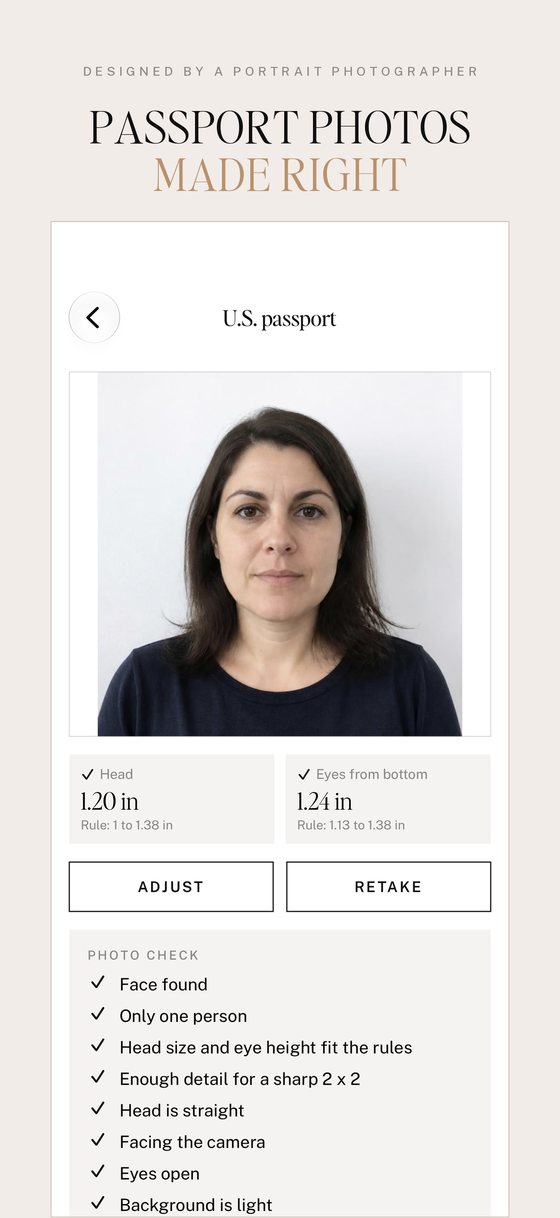
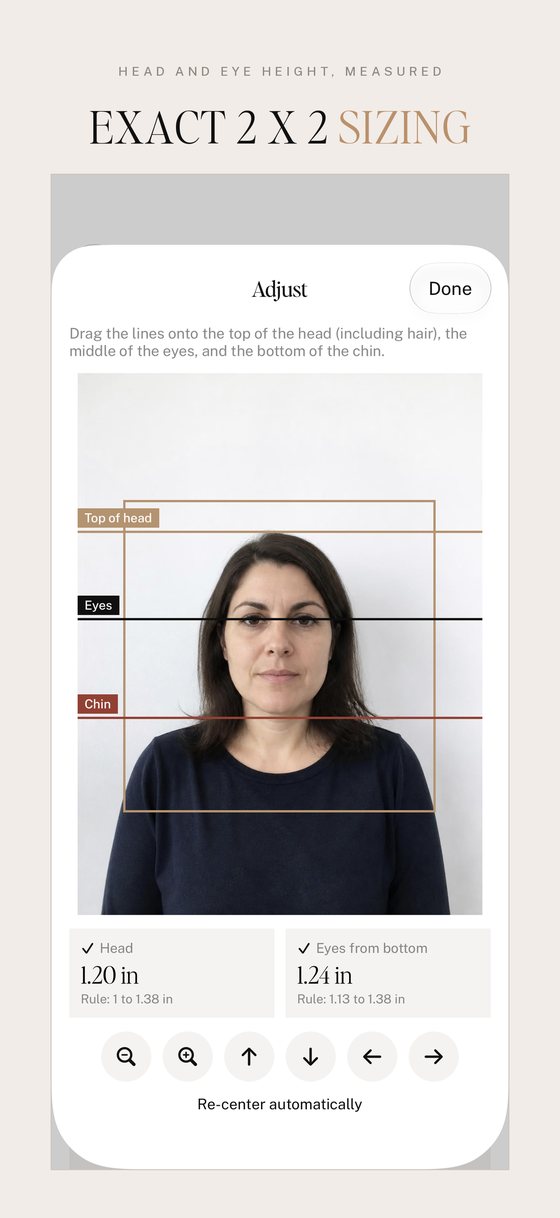
Is my photo guaranteed to be accepted? No app can promise that. The State Department makes the final decision on every photo. PortraitPass checks size, head and eye position, background, lighting and focus, and warns you about anything it sees, so you have the best chance of getting it right the first time.
Privacy. Photos are processed on your phone and never uploaded to us; they only leave it if you choose to share or print them. The app collects no data. Read the PortraitPass privacy policy.
PortraitPass is not affiliated with the U.S. Department of State or any government agency.